DCA : MS OFFICE AND ITS FUNDAMENTAL
beginner level · by ABHISHEK PANDEY · Starts Sep 1, 2026 · 12 weeks
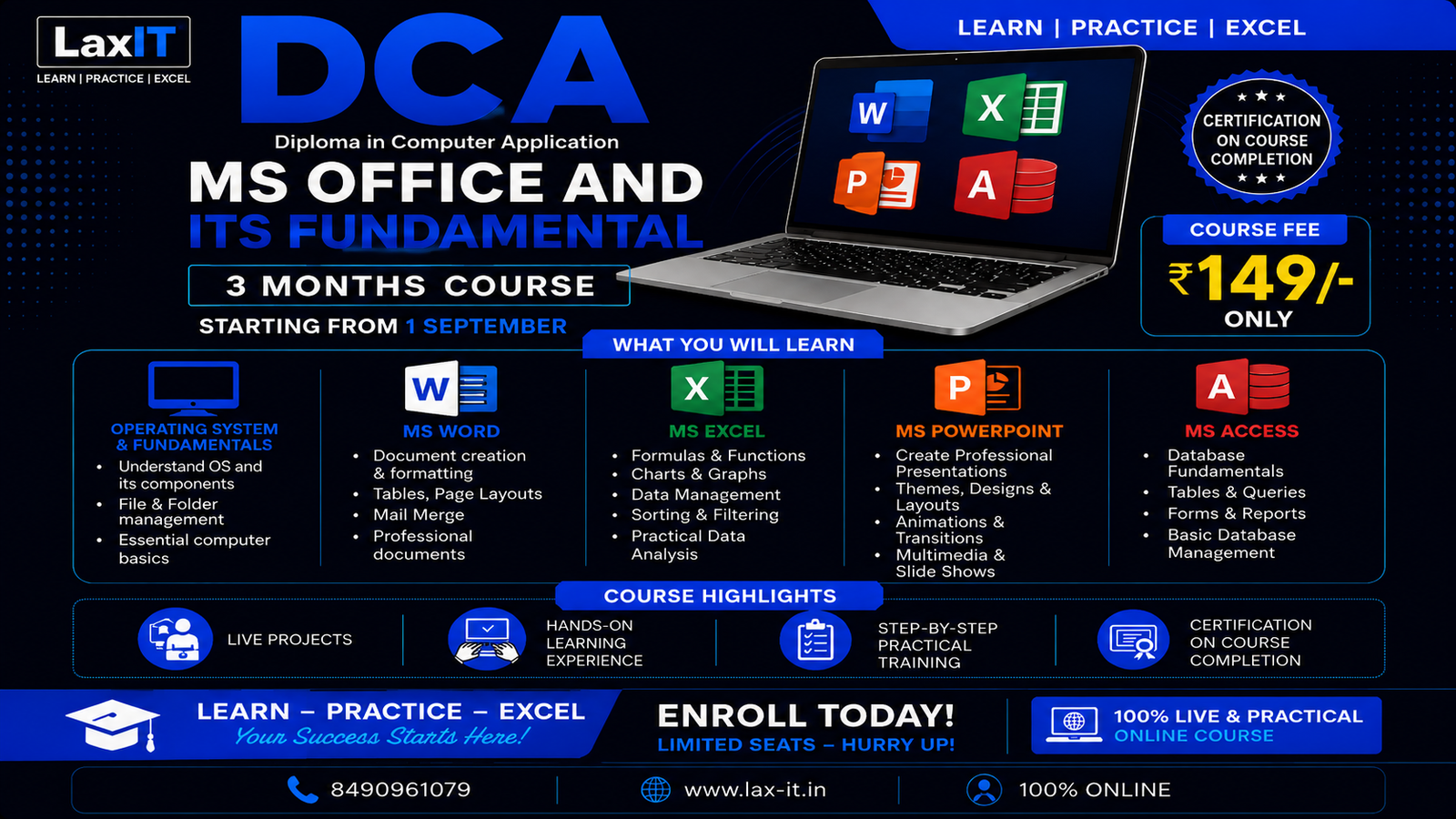
About this course
DCA – MS Office and Its Fundamental is a practical 3-month computer course designed to build strong foundational and professional computer skills. The course focuses on Operating System fundamentals and Microsoft Office applications, with live demonstrations, practical exercises, assignments, and hands-on projects.
Course Includes
1. Operating System & Computer Fundamentals
- Computer fundamentals and basic operations
- Windows operating system
- Files and folders management
- File extensions and storage
- System settings and essential utilities
- Basic troubleshooting
2. MS Word
- Creating and formatting professional documents
- Page layout, tables and styles
- Headers, footers and page numbers
- Images and shapes
- Mail Merge
- Templates and document printing
- Practical document projects
3. MS Excel
- Spreadsheet fundamentals
- Data entry and formatting
- Formulas and functions
- Sorting and filtering
- Charts and data presentation
- Basic data analysis
- Practical worksheets and projects
4. MS PowerPoint
- Creating professional presentations
- Slide layouts and design
- Images, shapes and SmartArt
- Transitions and animations
- Presentation techniques
- Practical presentation projects
5. MS Access
- Database fundamentals
- Creating databases and tables
- Fields and records
- Queries
- Forms
- Reports
- Basic data management
Why Choose This Course?
- Live & Practical Hands-On Training
- Learn through real-world examples and exercises
- Practical assignments and projects
- Build job-ready computer skills
- Suitable for students, beginners and working professionals
- Certification after successful completion
Start Your Learning Journey
Starting from 1 September — Join the DCA course and build strong MS Office & computer fundamentals through practical learning.
LAX-IT Computer Education
Learn • Apply • Excel

Abhishek Pandey is a passionate Web Developer with 3 years of professional experience in designing, developing, and maintaining modern web applications. specializes in building responsive, user-friendly, and performance-focused websites and web solutions.
Curriculum
Live Classes
| Title | When | Status | |
|---|---|---|---|
| Understanding of Computer as a Machine | Sep 1, 2026 3:40 PM | live |